Trimming Surfaces
Manual Trimming
Add a Trim Contour
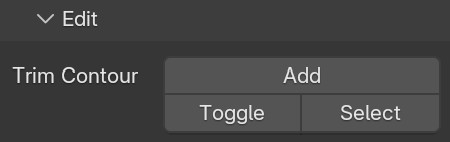
To quickly add a trim contour N Panel > SurfacePsycho > Edit > Trim Contour > Add :
Edit it
Trim contours in SurfacePsycho are defined with the wire system. The wires are projected over the X-Y plane of the object (X represents U, Y represents V). The trim contour is simply some geometry marked as such.
To mark or unmark some, N Panel > SurfacePsycho > Edit > Trim Contour > Toggle.
The Select button allows you to view what is already assigned.
Non-Destructive Trimming
Trimming surfaces can be automated by modifiers of the trim category. Note that SP - Crop or Extend Patch acts on the control points of the surface and not on its trim contour.